
Create sharper product visuals, campaign art, and social images with GPT Image 2
A focused GPT Image 2 workspace for text-to-image generation with prompt, aspect ratio, and resolution controls.
Text to image
Generate polished visuals directly from detailed prompts
Production controls
Prompt, aspect ratio, and resolution
Share-ready
Download, share links, or publish to the Inspiration Gallery
Live Workspace
GPT Image 2 Generator
Generate images with GPT Image 2.
Sign up to get one extra free generation.
No images generated yet.
Enter a prompt and hit generate to see the magic.
Inspiration Gallery
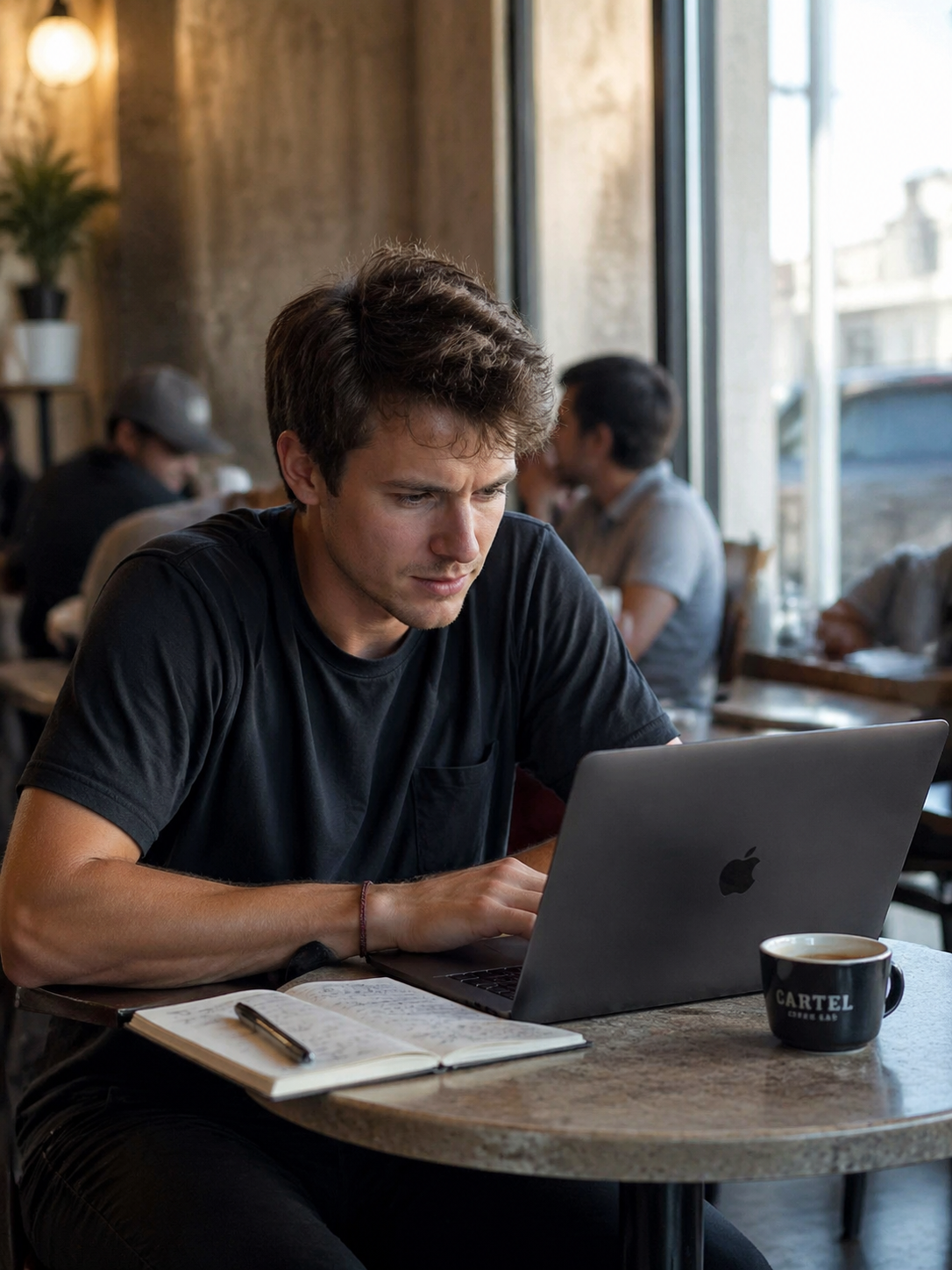
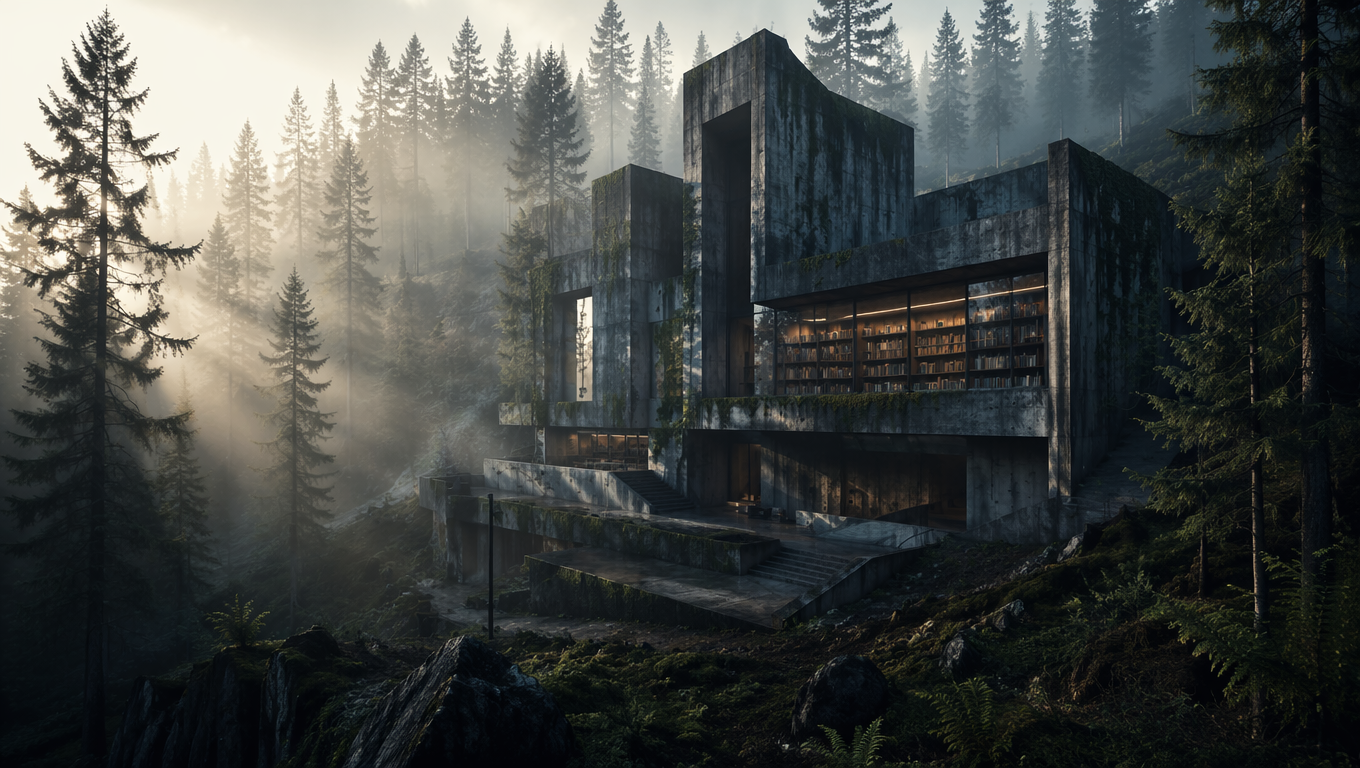
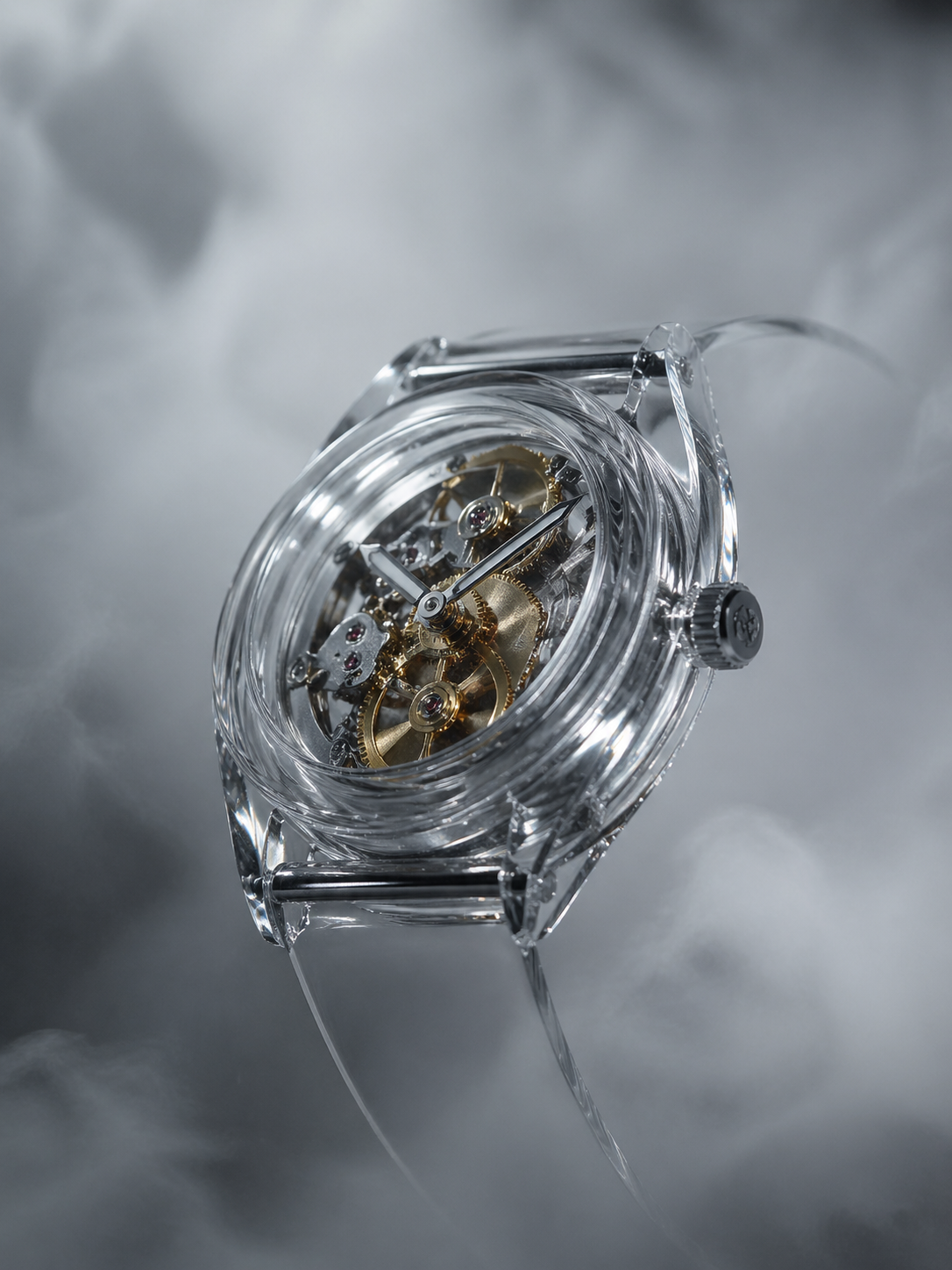
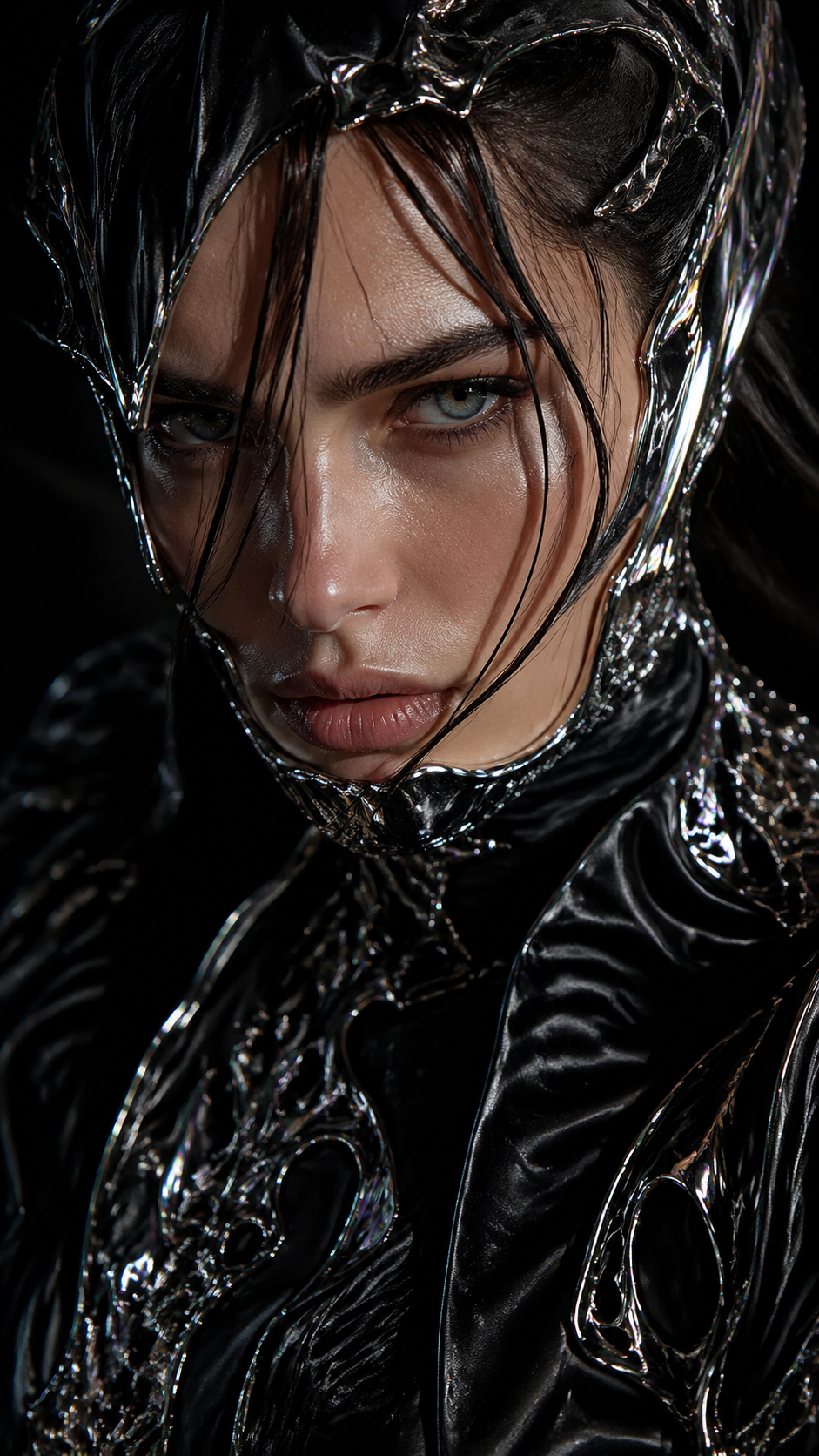
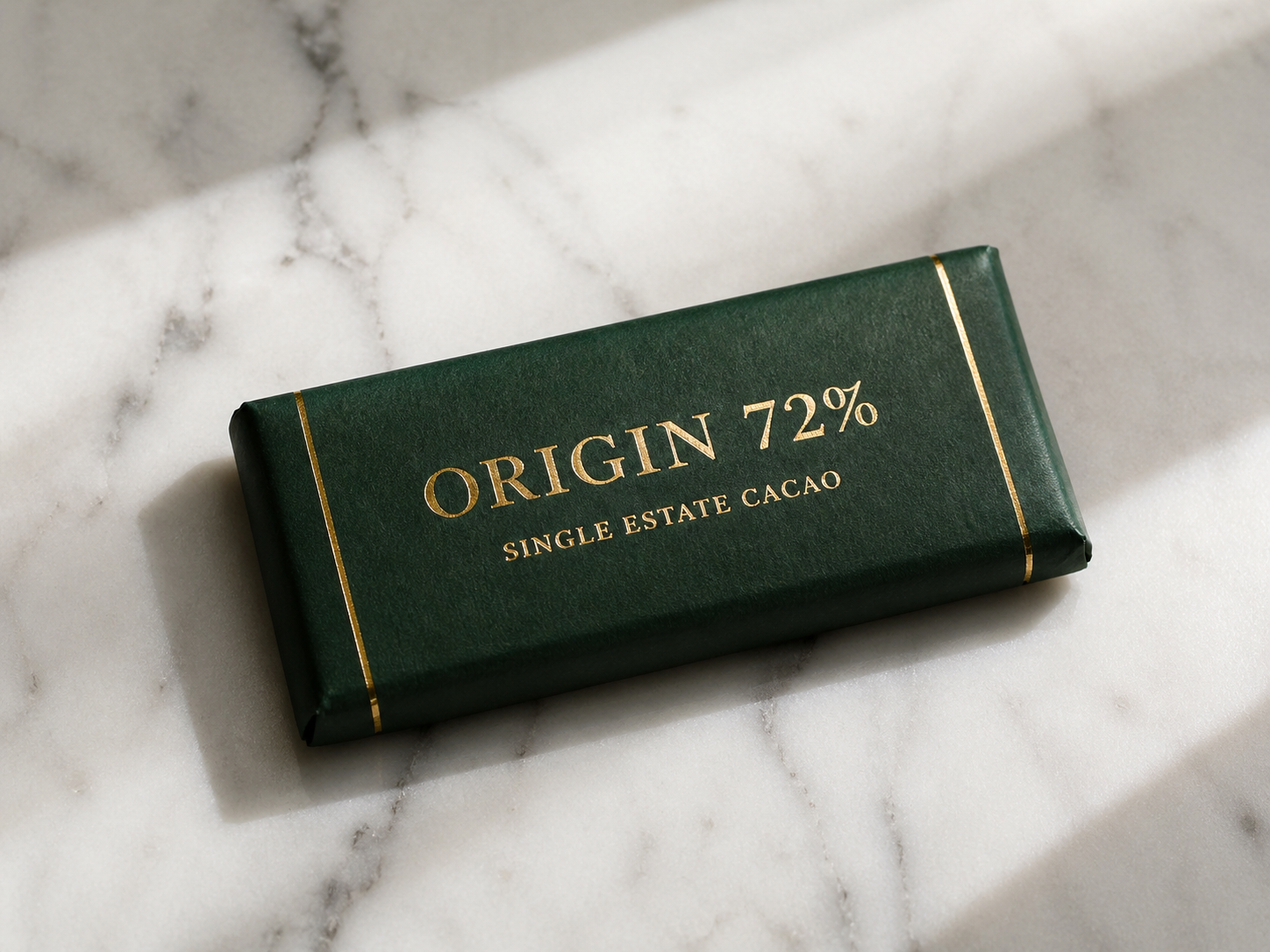
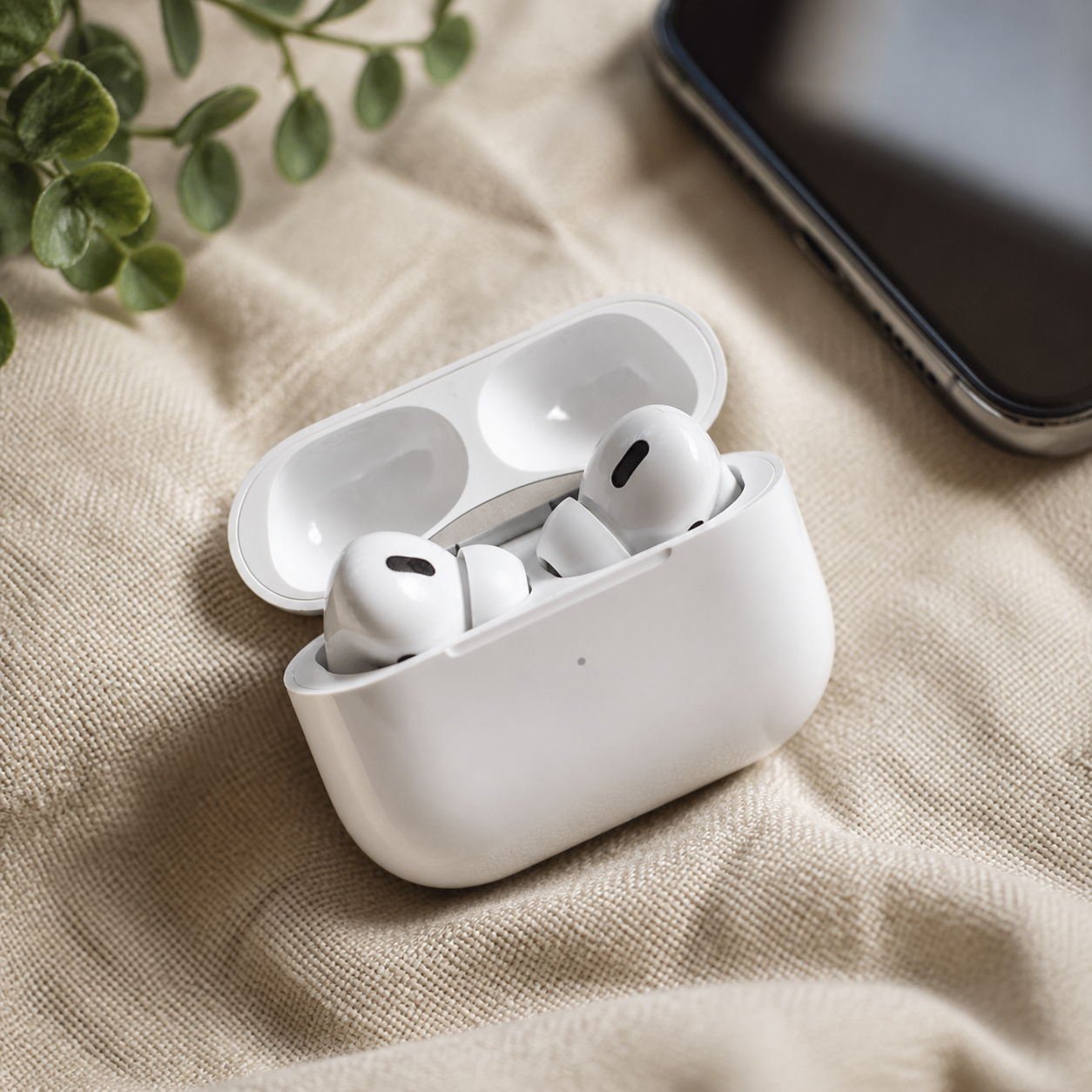
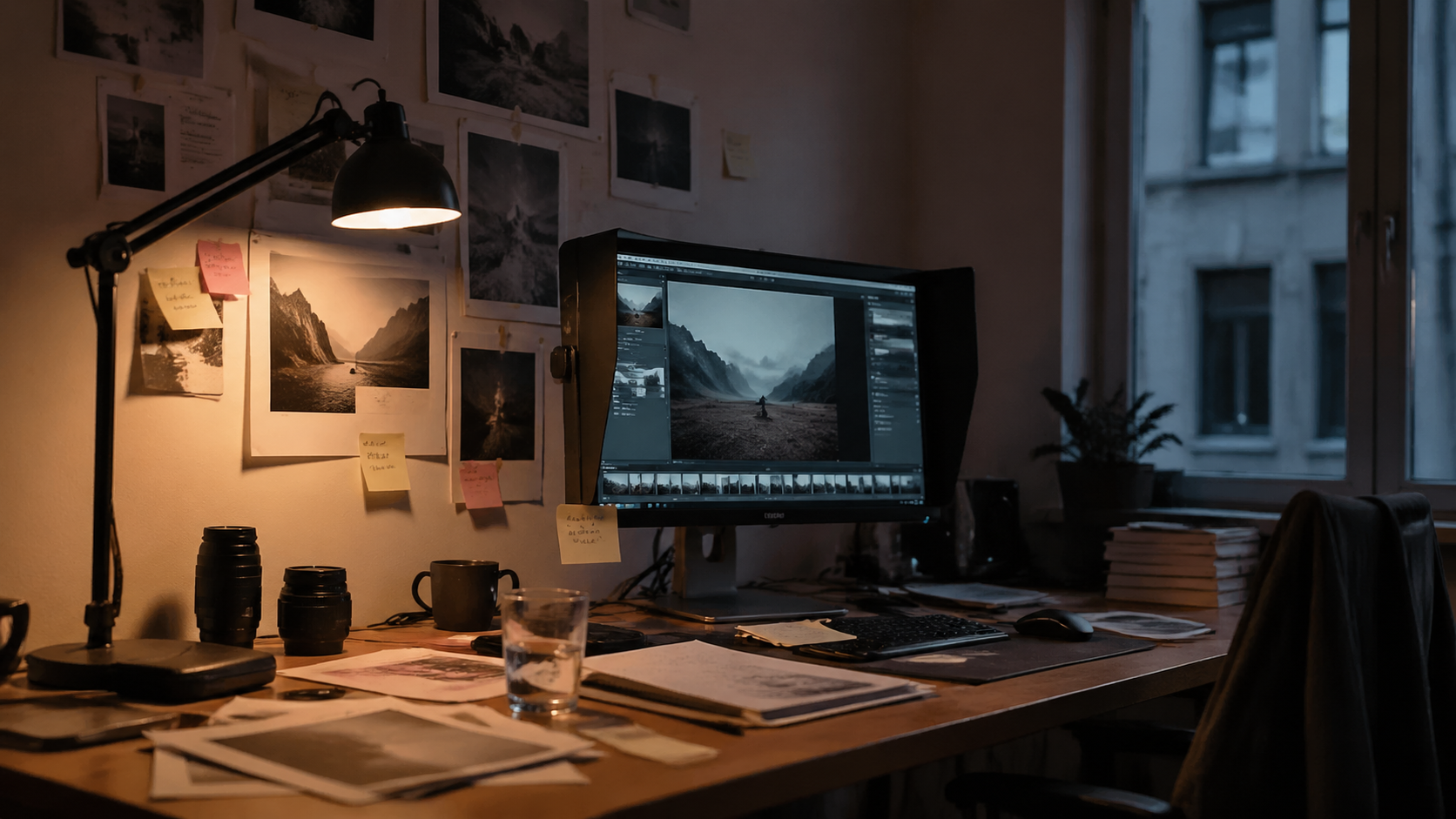
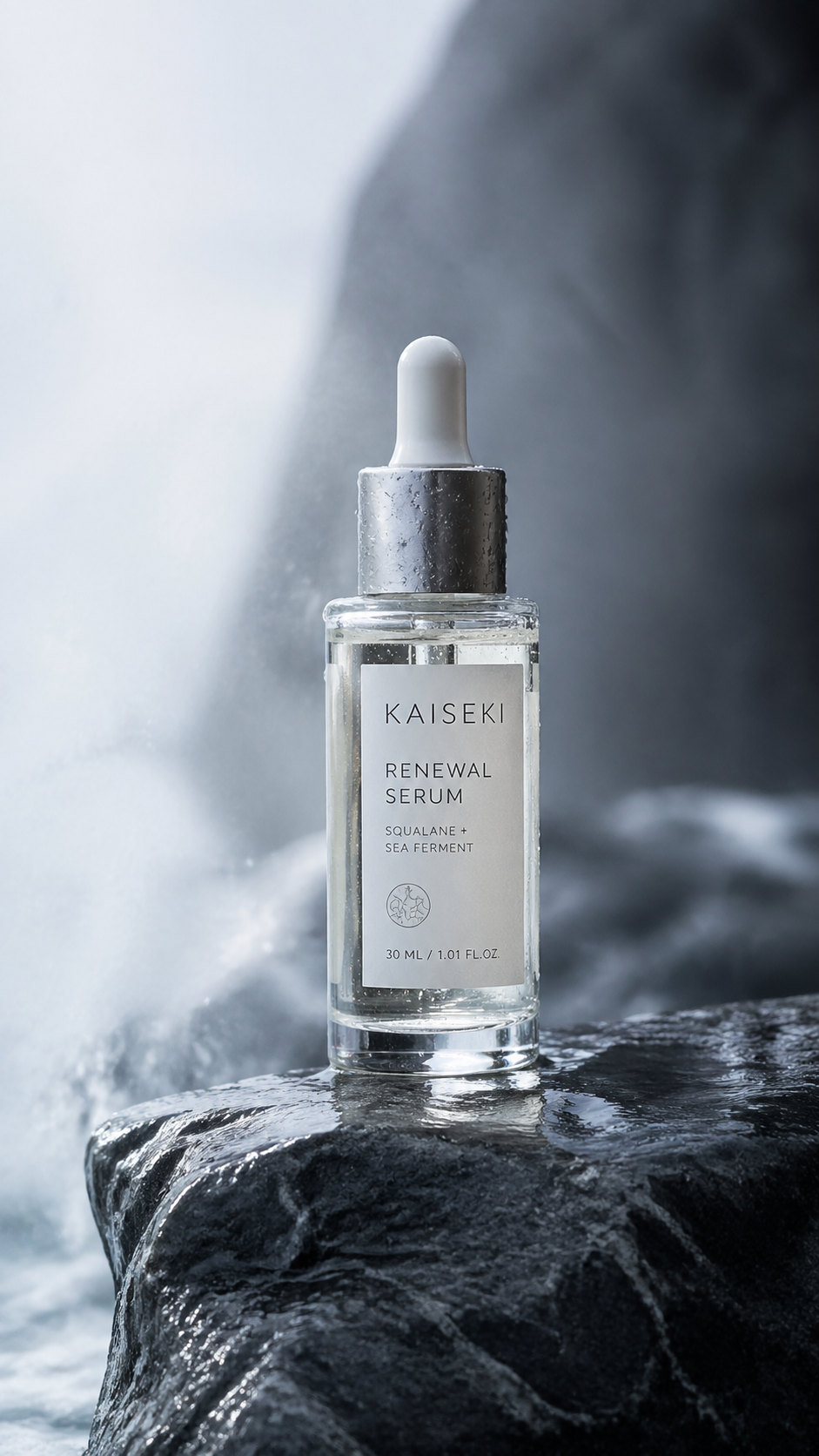
Explore a curated selection of community creations powered by GPT Image 2.
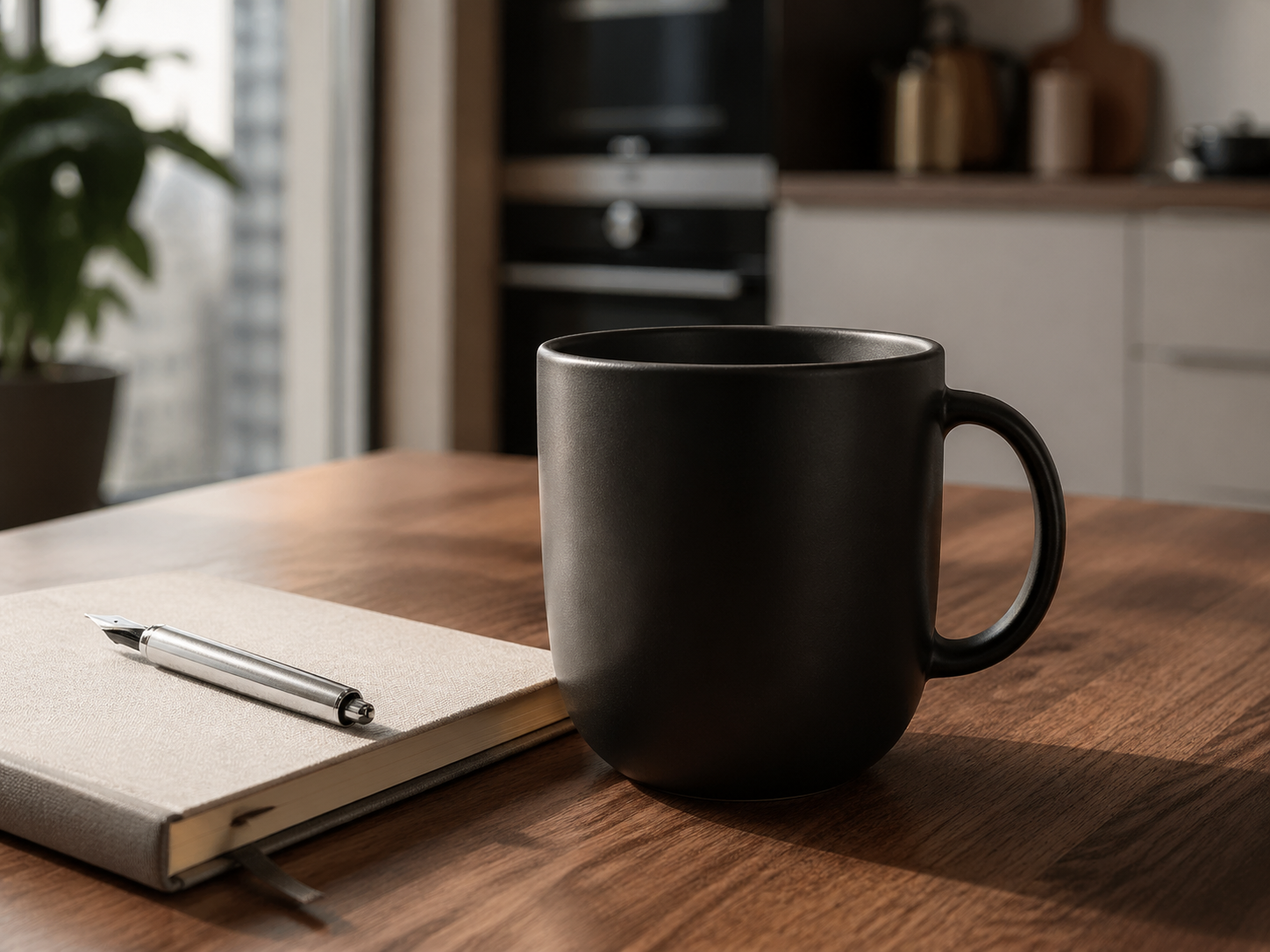
Mastering GPT Image 2 Prompting
How to get the most out of GPT Image 2 text-to-image generation.
Be Specific with Subjects
Instead of "a car", try "a vintage red Italian sports car on a winding coastal road". GPT Image 2 thrives on concrete nouns.
Define Lighting & Atmosphere
Lighting sets the mood. Use terms like "golden hour", "cinematic volumetric lighting", or "soft studio glow" for professional results.
Leverage Aspect Ratios
Use 16:9 for cinematic backgrounds, 9:16 for social stories, and 1:1 for product listings. The ratio significantly affects composition.
GPT Image 2 FAQ
Everything you need to know about GPT Image 2 image creation.
What can I generate with GPT Image 2?
You can generate original images from text prompts for product, marketing, content, and social use cases.
Which generation parameters are supported?
The current GPT Image 2 flow uses prompt, aspect_ratio, and resolution.
Can I use it without signing in?
Guests can try a free generation. Signing in unlocks an additional free generation and account-based workflows.
Where do shared images go?
You can create a share link and optionally publish the image to the Inspiration Gallery for discovery.